Page 1 of 1
ATMEL-ICE programmer not seen on "Programmer port" menu
Posted: Sat Feb 14, 2026 12:26 pm
by andeug
Hi,
I have the ATmel ICE programmer, but I don't know how to get it to work with Flowcode.
- Screenshot 2026-02-14 132340.png (136.95 KiB) Viewed 4771 times
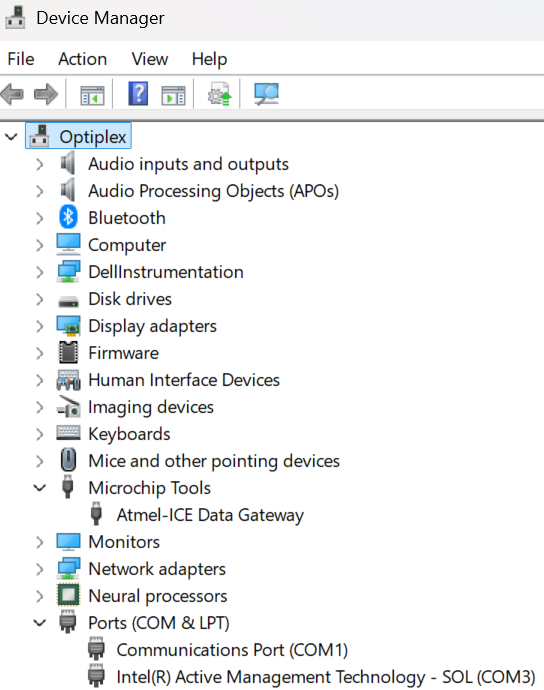
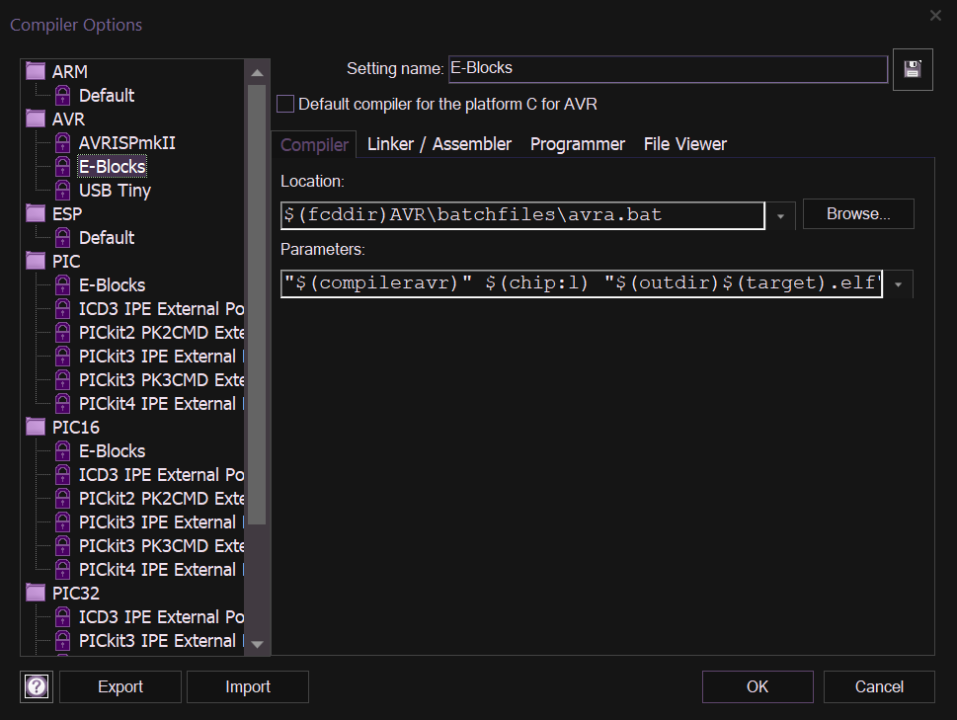
Do you know what I need to do in order to configure it properly? By default, it does not appear in the Device Manager/Ports (COM/LPT) section, but it can be accessed via a dedicated option called "Microchip Tools". Since there is no option for my programmer, I suggest that the MatrixTSL development team add it configured properly so I won't have to tweak the existing settings.
- Screenshot 2026-02-14 132752.png (180.72 KiB) Viewed 4770 times
Regards,
Andreas
Re: ATMEL-ICE programmer not seen on "Programmer port" menu
Posted: Sat Feb 14, 2026 1:19 pm
by chipfryer27
Hi
Are you using an E-block programmer supplied by Matrix or a third-party one?
Regards
Re: ATMEL-ICE programmer not seen on "Programmer port" menu
Posted: Sat Feb 14, 2026 1:32 pm
by andeug
I am using the ATMEL-ICE programmer, Microchip's official programmer.
Re: ATMEL-ICE programmer not seen on "Programmer port" menu
Posted: Sat Feb 14, 2026 2:03 pm
by chipfryer27
Hi
Not used one but if the board isn't recognised by Windows I'd start there to find out why. A quick search suggests cable issues, not using a USB2.0 port (USB3.0 / hubs may not supply enough power) and driver issues.
Regards
Re: ATMEL-ICE programmer not seen on "Programmer port" menu
Posted: Sat Feb 14, 2026 2:47 pm
by andeug
I can see the programmer in Device Manager, and I have the latest drivers. See the first captured screenshot.
My problem is that I cannot see the programmer inside Flowcode, and I do not know how to configure it.
Re: ATMEL-ICE programmer not seen on "Programmer port" menu
Posted: Sat Feb 14, 2026 2:58 pm
by chipfryer27
Hi
You have only given details of compiler in your screenshot, what is under Programmer? Is that set correctly?
Regards
Re: ATMEL-ICE programmer not seen on "Programmer port" menu
Posted: Sat Feb 14, 2026 3:19 pm
by andeug
Now I saw it... Which compiler should I choose for my programmer? And which programmer shall I use?
By default, when I was working with Arduino Nano, the AVRdude was the compiler.
Re: ATMEL-ICE programmer not seen on "Programmer port" menu
Posted: Sat Feb 14, 2026 3:51 pm
by chipfryer27
Hi
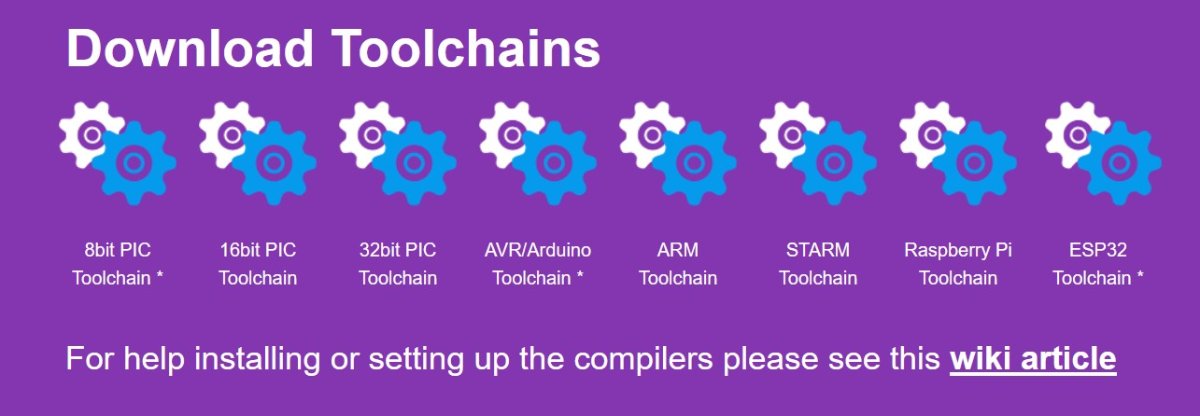
I asssume you have downloaded the correct compiler for your chip from the FC website?
- Screenshot 2026-02-14 154000.jpg (61.52 KiB) Viewed 4703 times
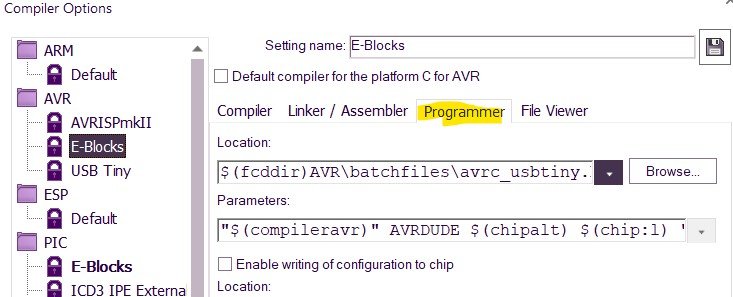
Although I have the compilers installed I don't have any external programmer for the targets, but these are my default settings which may or may not be of use.
- Screenshot 2026-02-14 154422.jpg (45.65 KiB) Viewed 4703 times
Location is C:\ProgramData\MatrixTSL\FlowcodeV11\FCD\AVR\batchfiles (ProgramData is hidden by default)
Regards
Re: ATMEL-ICE programmer not seen on "Programmer port" menu
Posted: Mon Feb 16, 2026 9:25 am
by Steve-Matrix
I've done a quick internet search and this link holds some useful info:
https://www.eevblog.com/forum/microcont ... atmel-ice/
The utility "atprogram" appears to have the necessary command line switches to allow Flowcode to use it as a programmer. That post also indicates that avrdude can be used.
If you look at the inbuilt programmer options within Flowcode, you should be able to see how a 3rd party programmer tool can be used. We often use our own batch files, or you could try calling atprogram/avrdude directly.