Page 1 of 1
How to connect PC App and Web App together
Posted: Fri Jun 12, 2026 5:02 pm
by stefan.erni
Hi Steve
I have two demo programs, and both work well.
I can set up a PC Web server, and I can use the Web App to retrieve text from the matrix server, which works
But when I try to retrieve text with the Web App from the my web server (localhost), it doesn't work yet.
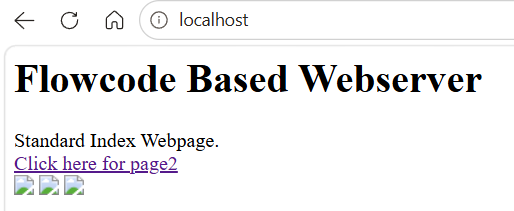
- 2026-06-12_17-45-01.PNG (24.55 KiB) Viewed 5423 times
- 2026-06-12_17-46-59.PNG (12.4 KiB) Viewed 5423 times
Re: How to connect PC App and Web App together
Posted: Fri Jun 12, 2026 5:47 pm
by Steve-Matrix
I've edited your files to show how this could happen.
Some changes I made to the Web Developer app:
- The DataType is now JSON Encoded
- The URL is a local IP address as created by the PC Developer app's Network Comms IP Address
- The ProcessResponse macro extracts the "Data" tag from the received JSON packet
Some changes I made to the PC Developer app:
- Removed the File I/O component
- Changed the HTML source to Embedded
- Added a custom header for CORS and JSON
- Added the "fetchtest.txt" file with a JSON string
When you simulate the PC Developer app, your firewall will probably ask to allow Flowcode access to your network. You will need to allow it.
You can test to see if the PC Developer web server is active by opening page the following in a browser:
It should report the JSON string.
The IP address is likely to be different and is the one specified by the Network Comms IP Address property.
Here are some images showing it working:
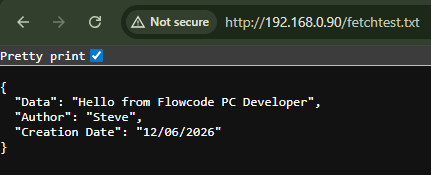
- PC Developer webserver test.png (14.09 KiB) Viewed 5413 times
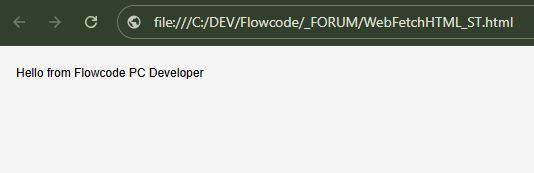
- Web Developer app.png (10.4 KiB) Viewed 5413 times
Re: How to connect PC App and Web App together
Posted: Mon Jun 15, 2026 9:42 am
by stefan.erni
Hi Steve
Perfect!
I can use “localhost” instead of the IP address, so I won't have to make any adjustments if it runs on a different computer

- 2026-06-15_10-01-19.PNG (22.75 KiB) Viewed 5327 times
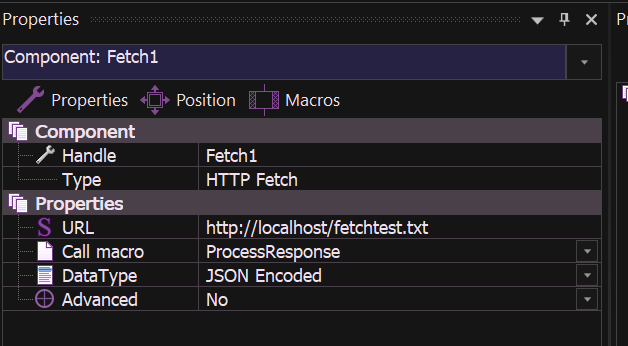
- 2026-06-15_10-06-22.PNG (30.17 KiB) Viewed 5327 times
And the result from the Web App:

- 2026-06-15_10-12-46.PNG (25 KiB) Viewed 5327 times
So, connecting the Web App to the PC App is very easy and user-friendly.
One more question:
Do I always have to do pooling from the Web App, or can I also send data from the PC App?
Re: How to connect PC App and Web App together
Posted: Mon Jun 15, 2026 10:21 am
by Steve-Matrix
I think polling if how I'd do it. If you want the Web app to respond to incoming data without polling, then you could look at using MQTT as a way of routing messages between the PC app and the Web app.
Re: How to connect PC App and Web App together
Posted: Tue Jun 16, 2026 10:25 am
by stefan.erni
Hi Steve
With your example, polling every 500 milliseconds works very well.
I can simply use a button in the PC-App to set a state (Ledon on/off) in the Web App
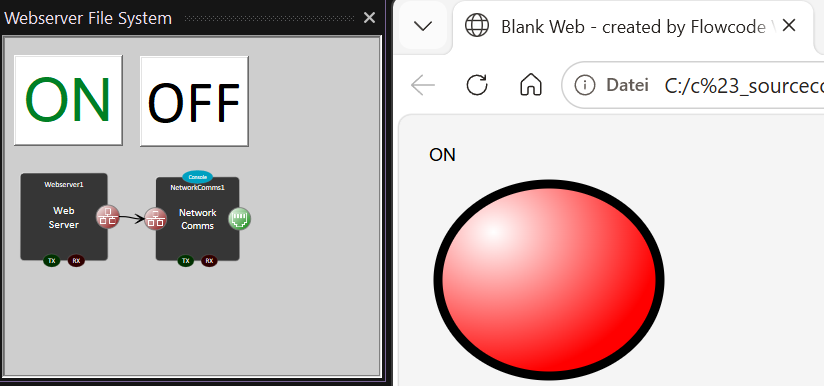
- SNAG-0099.PNG (62 KiB) Viewed 5262 times
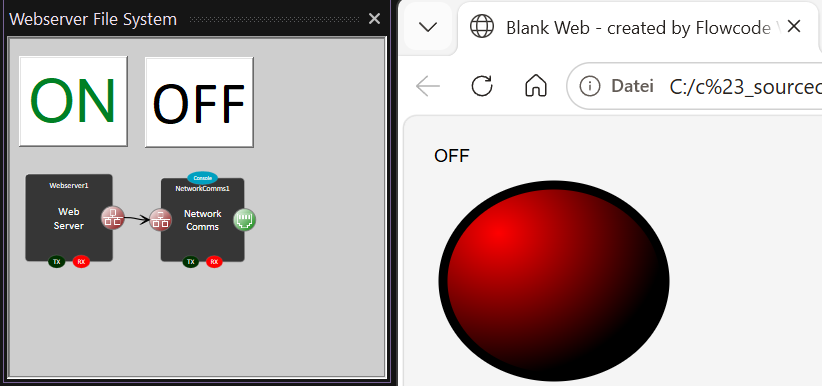
- SNAG-0100.PNG (59.47 KiB) Viewed 5262 times