I've edited your files to show how this could happen.
Some changes I made to the Web Developer app:
- The DataType is now JSON Encoded
- The URL is a local IP address as created by the PC Developer app's Network Comms IP Address
- The ProcessResponse macro extracts the "Data" tag from the received JSON packet
Some changes I made to the PC Developer app:
- Removed the File I/O component
- Changed the HTML source to Embedded
- Added a custom header for CORS and JSON
- Added the "fetchtest.txt" file with a JSON string
When you simulate the PC Developer app, your firewall will probably ask to allow Flowcode access to your network. You will need to allow it.
You can test to see if the PC Developer web server is active by opening page the following in a browser:
It should report the JSON string.
The IP address is likely to be different and is the one specified by the Network Comms IP Address property.
Here are some images showing it working:
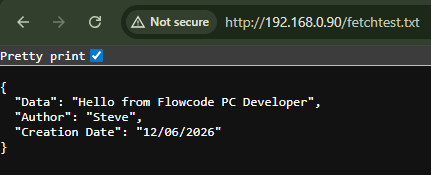
- PC Developer webserver test.png (14.09 KiB) Viewed 5411 times
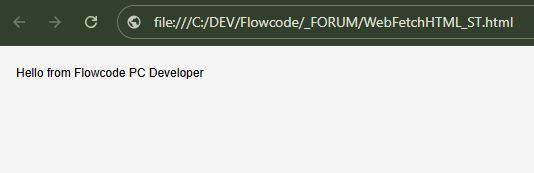
- Web Developer app.png (10.4 KiB) Viewed 5411 times

